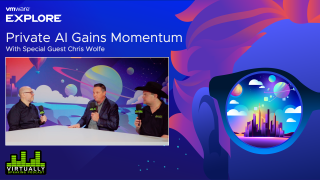
Virtually Speaking Podcast: Private AI Gains…
On this episode of the Virtually Speaking Podcast Pete and John speak with Chief Research and Innovation Officer Chris Wolfe about VMware’s Private AI momentum.
Daniel Micanek virtual Blog – Like normal Dan, but virtual.
On this episode of the Virtually Speaking Podcast Pete and John speak with Chief Research and Innovation Officer Chris Wolfe about VMware’s Private AI momentum.
I recently shared on how you can deploy the latest VMware Cloud Foundation (VCF) 5.1 release with vSAN Express Storage Architecture (ESA) using Nested ESXi and leveraging a custom vSAN ESA HCL JSON file, which I had created to workaround the required vSAN ESA pre-check during the VCF Bringup […]
Before, I wrote about testing the Logitech Z906 5.1 speakers and Creative Labs Sound Blaster X4 sound card for True Surround sound and what that experience was like. I managed to get the surround […]
Take charge of your #VMwareCloudFoundation Management Domain processes with @VMwareCloud Builder! Learn how via @lamw :
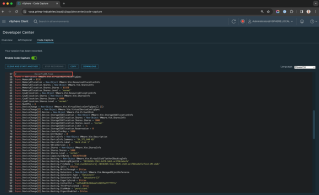
Have you ever tried to automate a specific vSphere operation but not sure which vSphere API to use or if know which vSphere API to use you unsure how to actually use it? This is something I frequently see and get asked about quite often! Did you know about this hidden little gem that has […]
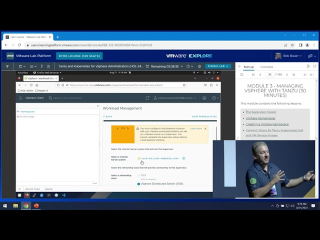
Tanzu & Kubernetes for vSphere Admins: Complete Guided Workshop (HOL-2413-01-SDC)
Link to Lab: https://userui.learningplatform.vmware.com/HOL/catalog/lab/13926 🌟 Welcome to our VMware Expert-Led Guided Workshop Series! 🌟 In this series, you’ll explore various VMware Hands-On Labs, each led by our team of VMware experts. Dive deep into different VMware solutions, gaining hands-on experience and valuable insights! 🔹 Featured Lab: Tanzu and Kubernetes for vSphere Administrators (HOL-2413-01-SDC) 🔹 This workshop covers: 1️⃣ Module 1: Introduction to vSphere with Tanzu (30 min, Level: Intermediate) Get started with the basics of vSphere and Tanzu integration. 2️⃣ Module 2: What’s New for vSphere 8 Update 1 (15 min, Level: Beginner) Discover the latest updates and features in vSphere 8. 3️⃣ Module 3: Managing vSphere with Tanzu…Read More
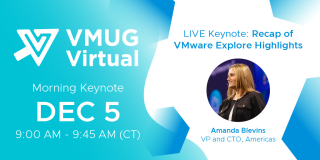
Learn from anywhere! Join us virtually at 9 AM for a LIVE Keynote with Amanda Blevins, VP and CTO, Americas at
@vmware by Broadcom. Register today to secure your spot:
Learn from anywhere! Join us virtually at 9 AM for a LIVE Keynote with Amanda Blevins, VP and CTO, Americas at @vmware by Broadcom. Register today to secure your spot:
This next-generation architecture for VMware Cloud on AWS enabled by an Amazon EC2 M7i bare-metal diskless instance featuring a custom 4th Gen Intel Xeon processor is really bringing a lot of value to our customers. As they combined this instance with scalable and flexible storage options, it […]
Vagrant boxes act as image of your virtual machine. Instantly spin up your development environment with Vagrant in VirtualBox, Hyper-V, or VMware.
For Private AI in HomeLAB, I was searching for budget-friendly GPUs with a minimum of 24GB RAM. Recently, I came across the refurbished NVIDIA Tesla P40 on eBay, which boasts some intriguing specifications:

Since the NVIDIA Tesla P40 comes in a full-profile form factor, we needed to acquire a PCIe riser card.
A PCIe riser card, commonly known as a “riser card,” is a hardware component essential in computer systems for facilitating the connection of expansion cards to the motherboard. Its primary role comes into play when space limitations or specific orientation requirements prevent the direct installation of expansion cards into the PCIe slots on the motherboard.
Furthermore, I needed to ensure adequate cooling, but this posed no issue. I utilized a 3D model created by MiHu_Works for a Tesla P100 blower fan adapter, which you can find at this link: Tesla P100 Blower Fan Adapter.
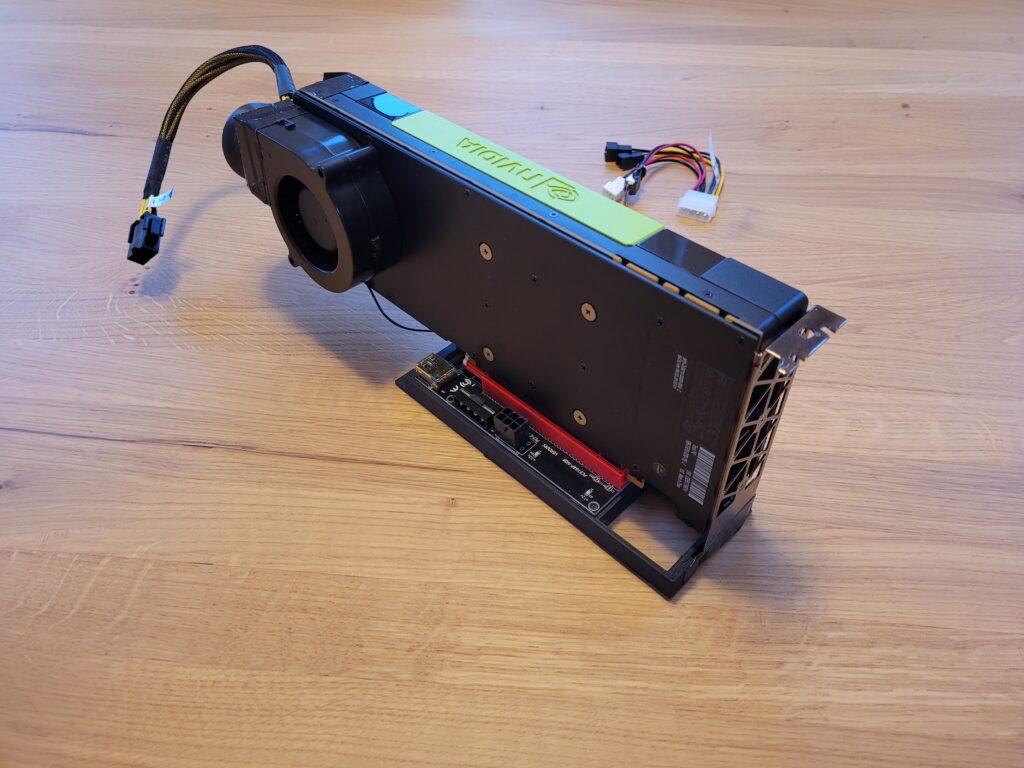
As for the fan, the Titan TFD-B7530M12C served the purpose effectively. You can find it on Amazon: Titan TFD-B7530M12C.
Currently, I am using a single VM with PCIe pass-through. However, it was necessary to implement specific Advanced VM parameters:
pciPassthru.use64bitMMIO = truepciPassthru.64bitMMIOSizeGB = 64Now, you might wonder about the performance. It’s outstanding, delivering speeds up to 16x-26x times faster than the CPU. To provide you with an idea of the performance, I conducted a llama-bench test:
| pp 512 | CPU t/s | GPU t/s | Acceleration |
| llama 7B mostly Q4_0 | 9.50 | 155.37 | 16x |
| llama 13B mostly Q4_0 | 5.18 | 134.74 | 26x |
./llama-bench -t 8
| model                          |       size |     params |
| ------------------------------ | ---------: | ---------: |
| llama 7B mostly Q4_0           |   3.56 GiB |     6.74 B |
| llama 7B mostly Q4_0           |   3.56 GiB |     6.74 B |
| backend    |    threads | test       |              t/s |
| ---------- | ---------: | ---------- | ---------------: |
| CPU        |          8 | pp 512     |      9.50 ± 0.07 |
| CPU        |          8 | tg 128     |      8.74 ± 0.12 |
./llama-bench -ngl 3800
ggml_init_cublas: GGML_CUDA_FORCE_MMQ: no
ggml_init_cublas: CUDA_USE_TENSOR_CORES: yes
ggml_init_cublas: found 1 CUDA devices:
Device 0: Tesla P40, compute capability 6.1
| model | size | params |
| ------------------------------ | ---------: | ---------: |
| llama 7B mostly Q4_0 | 3.56 GiB | 6.74 B |
| llama 7B mostly Q4_0 | 3.56 GiB | 6.74 B |
| backend | ngl | test | t/s |
| ---------- | --: | ---------- | ---------------: |
| CUDA | 3800 | pp 512 | 155.37 ± 1.26 |
| CUDA | 3800 | tg 128 | 9.31 ± 0.19 | ./llama-bench -t 8 -m ./models/13B/ggml-model-q4_0.gguf
| model | size | params |
| ------------------------------ | ---------: | ---------: |
| llama 13B mostly Q4_0 | 6.86 GiB | 13.02 B |
| llama 13B mostly Q4_0 | 6.86 GiB | 13.02 B |
| backend | threads | test | t/s |
| ---------- | ---------: | ---------- | ---------------: |
| CPU | 8 | pp 512 | 5.18 ± 0.00 |
| CPU | 8 | tg 128 | 4.63 ± 0.14 |./llama-bench -ngl 3800 -m ./models/13B/ggml-model-q4_0.gguf
ggml_init_cublas: GGML_CUDA_FORCE_MMQ: no
ggml_init_cublas: CUDA_USE_TENSOR_CORES: yes
ggml_init_cublas: found 1 CUDA devices:
Device 0: Tesla P40, compute capability 6.1
| model | size | params |
| ------------------------------ | ---------: | ---------: |
| llama 13B mostly Q4_0 | 6.86 GiB | 13.02 B |
| llama 13B mostly Q4_0 | 6.86 GiB | 13.02 B |
| backend | ngl | test | t/s |
| ---------- | --: | ---------- | ---------------: |
| CUDA | 3800 | pp 512 | 134.74 ± 1.29 |
| CUDA | 3800 | tg 128 | 8.42 ± 0.10 |Feel free to explore this setup for your Private AI in HomeLAB.