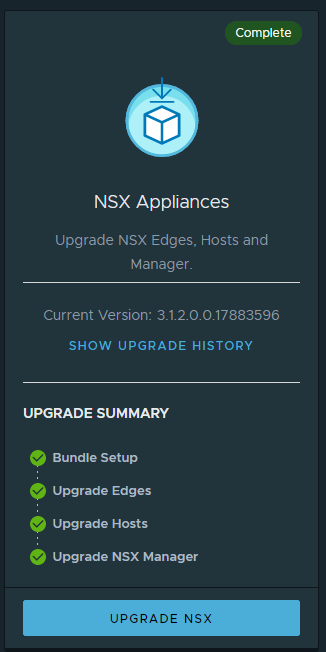
TOC – Upgrade steps
- NSX-T 3.1.2 – Upgrade the Upgrade Coordinator – 1/4
- NSX-T 3.1.2 – Upgrade NSX Edge Cluster – 2/4
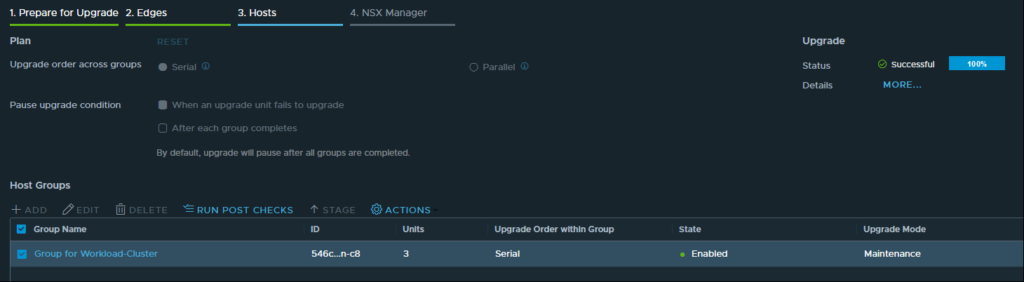
- NSX-T 3.1.2 – Configuring and Upgrading Hosts 3/4
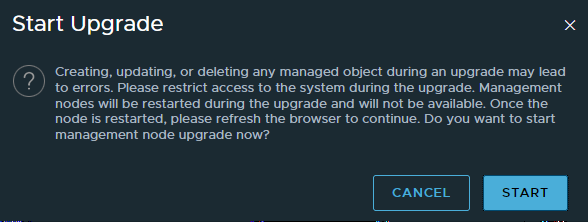
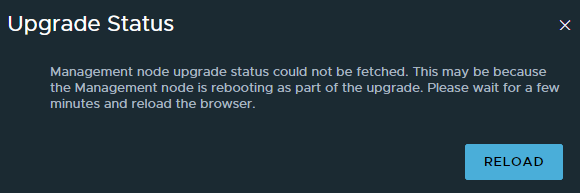
- NSX-T 3.1.2 – Upgrade Management Plane – 4/4
The NSX Edge nodes are upgraded in serial mode so that when the upgrading node is down, the other nodes in the NSX Edge cluster remain active to continuously forward traffic.
Enter the NSX Edge cluster upgrade plan details:
| Option | Description |
|---|---|
| Serial | Upgrade all the Edge upgrade unit groups consecutively. |
| Parallel | Upgrade all the Edge upgrade unit groups simultaneously. |
| When an upgrade unit fails to upgrade | You can fix an error on the Edge node and continue the upgrade. You cannot deselect this setting. |
| After each group completes | Select to pause the upgrade process after each Edge upgrade unit group finishes upgrading. |
Click Start to upgrade the NSX Edge cluster
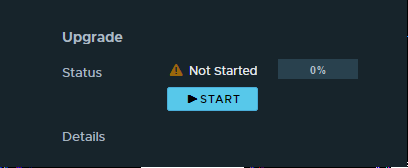

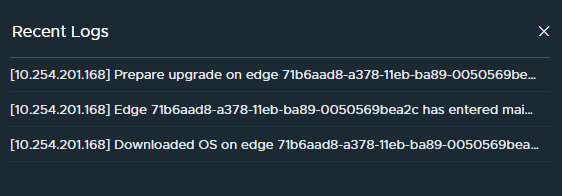
- Monitor the upgrade process.
- You can view the overall upgrade status and progress details of each Edge upgrade unit group. The upgrade duration depends on the number of Edge upgrade unit groups you have in your environment.
- Or using CLI
get upgrade progress-status
IN_PROGRESS:
tanzu-nsx-edge> get upgrade progress-status
*********************************************************************
 Node Upgrade has been started. Please do not make any changes, until
 the upgrade operation is complete. Run "get upgrade progress-status"
 to show the progress of last upgrade step.
*********************************************************************

 Tue May 18 2021 UTC 21:51:51.235
 Upgrade info:
 From-version: 3.1.1.0.0.17483065
 To-version: 3.1.2.0.0.17883603
 Upgrade steps:
 11-preinstall-enter_maintenance_mode [2021-05-18 21:45:34 - 2021-05-18 21:46:45] SUCCESS
 download_os [2021-05-18 21:47:34 - 2021-05-18 21:49:01] SUCCESS
 install_os [2021-05-18 21:49:02 - ] IN_PROGRESS
SUCCESS / Upgrade is not in progress:
tanzu-nsx-edge> get upgrade progress-status

 Node Upgrade has been started. Please do not make any changes, until
 the upgrade operation is complete. Run "get upgrade progress-status"
 to show the progress of last upgrade step.

 Tue May 18 2021 UTC 21:55:55.278
 Upgrade info:
 From-version: 3.1.1.0.0.17483065
 To-version: 3.1.2.0.0.17883603

 Upgrade steps:
 11-preinstall-enter_maintenance_mode [2021-05-18 21:45:34 - 2021-05-18 21:46:45] SUCCESS
 download_os [2021-05-18 21:47:34 - 2021-05-18 21:49:01] SUCCESS
 install_os [2021-05-18 21:49:02 - 2021-05-18 21:51:58] SUCCESS
 switch_os [2021-05-18 21:52:01 - 2021-05-18 21:52:24] SUCCESS
 reboot [2021-05-18 21:52:28 - 2021-05-18 21:53:53] SUCCESS
 migrate_users [2021-05-18 21:55:26 - 2021-05-18 21:55:31] SUCCESS


 tanzu-nsx-edge> get upgrade progress-status
 Tue May 18 2021 UTC 21:59:41.501
 Upgrade is not in progress
- Click Run Post Checks to verify whether the Edge upgrade unit groups were successfully upgraded.